


How Can Professional Property Managers Manage Multiple Buildings More Easily?
More buildings mean more monthly fees, expenses, messages, and information to update. For professional property managers, the challenge is to organize this workload so that every building receives the attention it needs, while keeping day-to-day administration manageable.
The solution lies in centralized management and the ability to carry out recurring operations across multiple buildings at once. LIVO is building management software that helps professional property managers achieve this through bulk actions, automation, and centralized access to information.
Why Does Managing Multiple Buildings Require a Different Approach?
Whenever a property management company takes on a new building, it adds more owners, service providers, payments, and responsibilities to its workload. An action that takes just a few minutes for one building can turn into hours of work when repeated across dozens of properties.
That is why choosing software for professional property management means looking beyond features for individual buildings. The ability to work across multiple properties at once is equally important.
With LIVO’s features, teams can bring recurring activities into a shared workflow and dedicate more time to serving their clients.
Bulk Expense Management Across Multiple Buildings
Recording expenses is an ongoing part of every professional property manager’s work. When managing a large number of buildings, even standard monthly operations require careful organization.
LIVO allows you to add and edit expenses in bulk across multiple buildings and units. This makes it easier to process similar operations and reduces the need to repeat the same actions individually.
The bulk expense functionality also supports changes to monthly fees across multiple buildings, giving teams a more convenient way to handle updates that affect several properties.
Bulk Editing of Apartment and Unit Details
Keeping information up to date is just as important as recording expenses correctly. When a change affects multiple units, editing them individually creates additional work and opportunities for omissions.
LIVO allows you to update parameters for multiple apartments at once. This feature is useful when handling large volumes of data and applying the same changes to a selected group of units.
The practical benefit is a shorter update process and fewer repetitive actions for staff.
Bulk Messages to the Right Recipients
Changes to office hours, important service updates, or notices to owners—some messages affect more than one building.
With LIVO, you can send messages to one, several, or all buildings in your account, as well as select specific recipient groups. You can filter recipients by categories such as owners, tenants, or people with outstanding balances, attach files, and use channels including email, mobile app notifications, and SMS.
For example, to inform clients about holiday office hours, you can prepare a single message and select the buildings that should receive it. If the information concerns only a particular group, you can target that audience.
This helps your company maintain consistent communication and reduces the need to send the same notice separately.
Importing Bulk Expenses from ePay
Re-entering information that is already available is another task that adds to the administrative workload when managing multiple buildings.
LIVO offers direct import of bulk expenses from ePay. This simplifies recording electricity, water, and other recurring payments for communal areas.
When processing these expenses across multiple buildings, importing reduces manual data entry and frees up time for review and oversight.
A Consolidated Financial View of Your Buildings
Effective management also requires a quick answer to one question: which buildings need attention?
LIVO’s Budget report allows you to track monthly balances, funds collected, and expenses incurred. Filters by year, person responsible, and buildings with a deficit help teams identify cases that require further analysis. The data can also be exported to Excel.
This combines bulk processing of everyday operations with better financial oversight.
More Time for Clients and Business Growth
For professional property managers, good organization provides a foundation for growth. Every new building brings additional responsibilities, and sustainable expansion requires processes that teams can apply consistently.
LIVO’s bulk features help reduce repetitive work when managing expenses, updating information, and communicating with residents. This leaves more time to resolve individual issues, coordinate with service providers, and maintain strong relationships with property owners.
More News

May 2025: Buildings are created more easily. Invoices now come with more superpowers!
May brought two major updates that will make your work in the system significantly faster, smoother, and definitely more enjoyable. Whether you manage multiple buildings or handle financial operati...
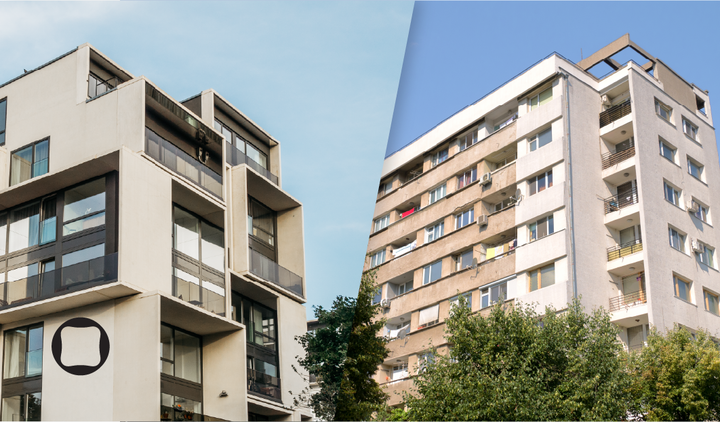
New or Old Construction: What Do We Choose and Why?
In today’s rapidly changing world, where speed and innovation are key, the choice between new and old construction is becoming increasingly relevant. There are many factors to consider when decidin...

Goodbye manual entry. Hello ePay import!
We know how it goes – you pay the common area bills through ePay, then sit down and start manually entering the expenses. Introducing: direct import of bulk expenses from ePay.

How Can Professional Property Managers Manage Multiple Buildings More Easily?
Discover how LIVO helps professional property managers manage multiple buildings with bulk expenses, messages, data updates, and financial reports.
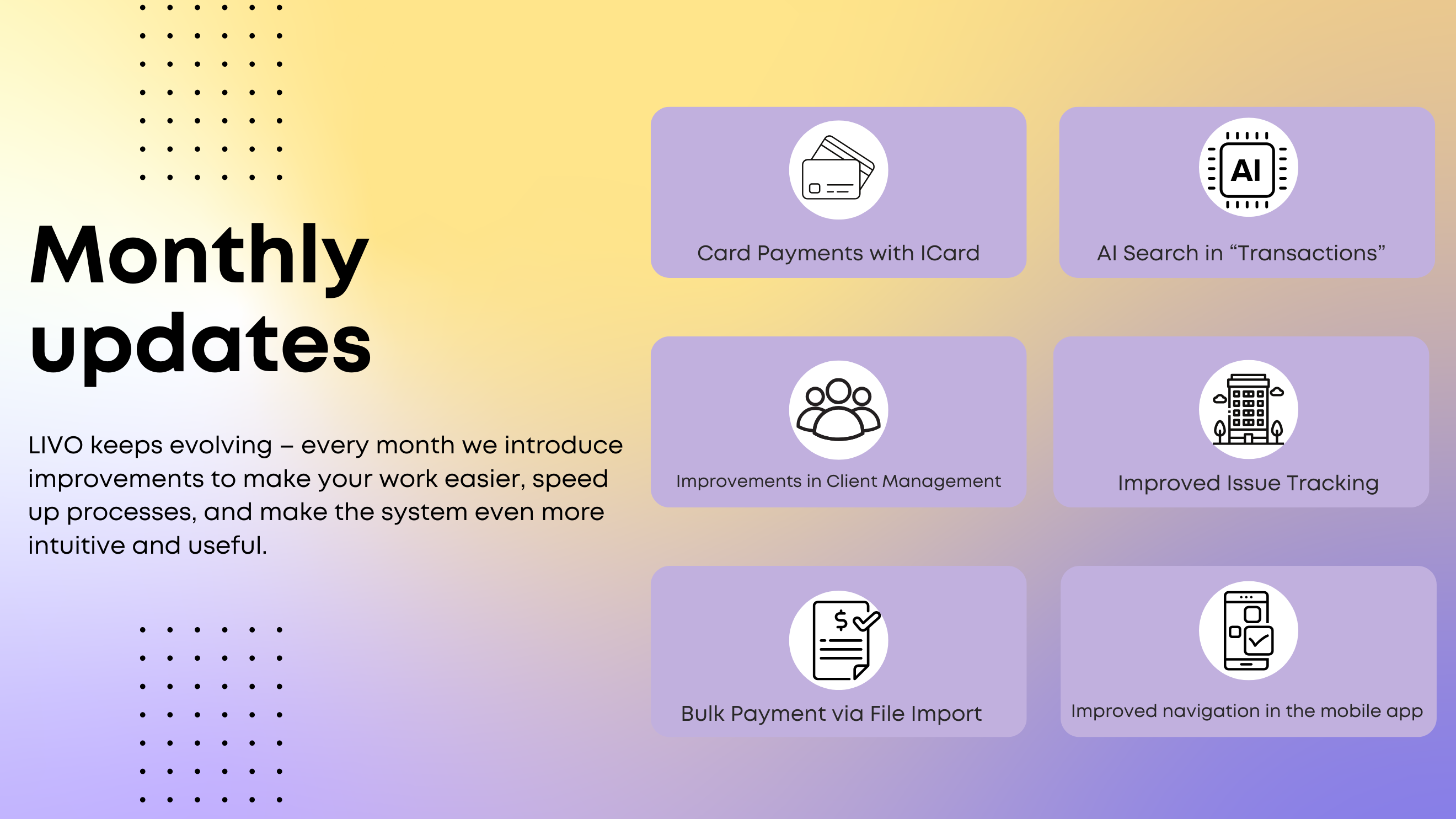
Monthly improvements - June
LIVO keeps evolving – every month we introduce improvements to make your work easier, speed up processes, and make the system even more intuitive and useful.

LIVO is here – a new name, a fresh look, the same comfort!
We’ve got a brand-new visual identity, but we’re keeping the same familiar ease – because we believe change is great when it doesn’t cause confusion. We’re excited to share that Angry Building is ...

How to Deal with Problematic Neighbors in the Building
Life in multi-family buildings inevitably brings us into contact with various types of neighbors who may cause issues in our daily lives. Whether it’s about noisy neighbors, renovations at inapprop...
“Print” Module – Now More Powerful and Convenient
The print module is one of your all-time favorites – and we’re constantly making it better. Over the past few months, we’ve added a variety of useful features designed to save you time and make you...